
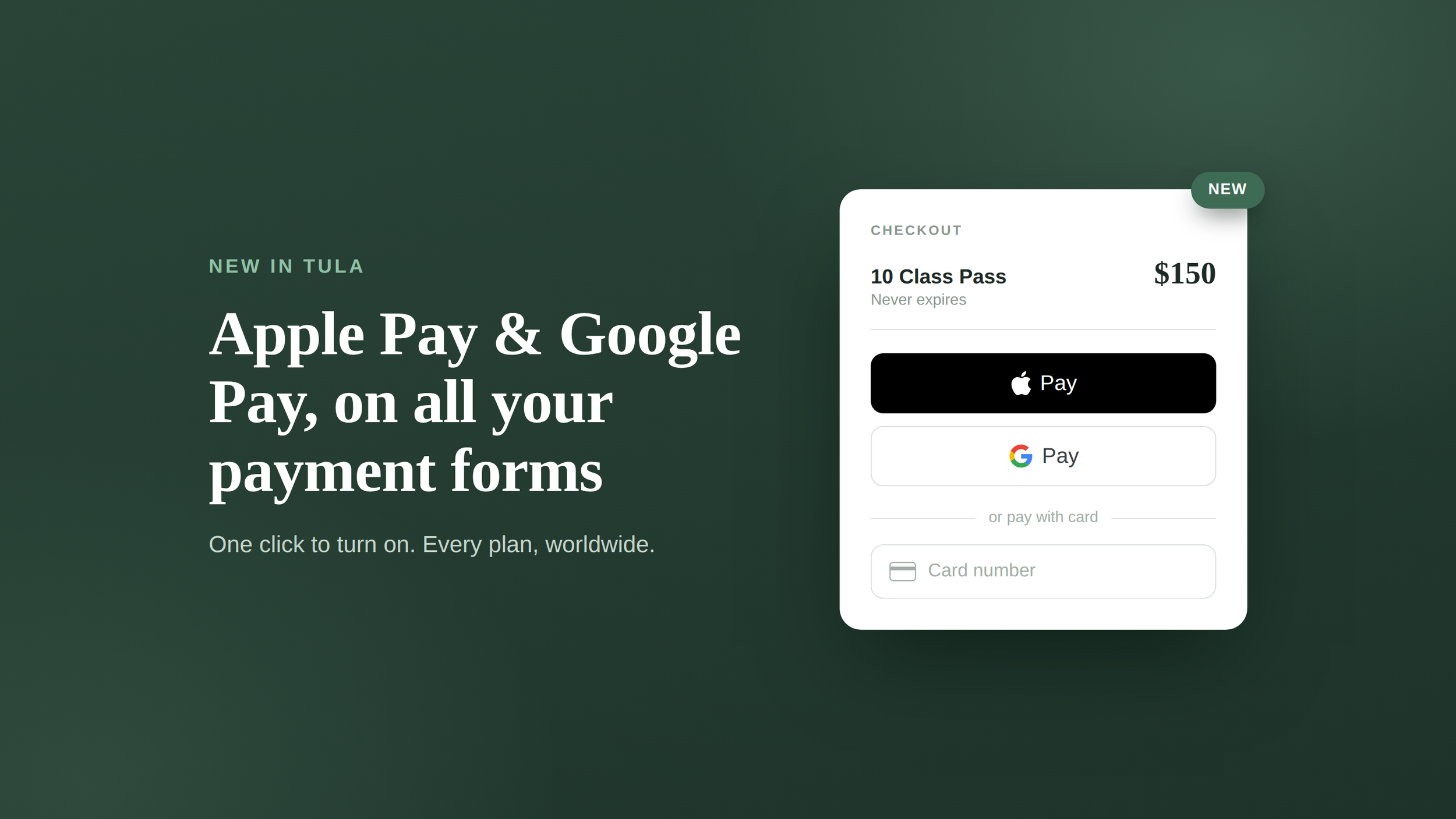
We're happy to share that you can now choose to accept Apple Pay and Google Pay on all of your payment forms. This has been one of your top requests lately, and we're glad to deliver it.
Note: This is available for all customers, on all plans, worldwide.
Turning it on takes one click
1. Open your menu in Tula Software and choose Studio Integrations.
2. On that page, select "View account details and set up Apple Pay."
3. Click the button to activate Apple Pay and Google Pay. That's it — you're set.
Testing it out? Be sure to choose a pass first — the Apple Pay and Google Pay buttons only render once there's a chargeable item selected.
For those of you (and us) in the United States, we hope you and your family have a happy and safe 4th of July. 🇺🇸